Go live on Facebook and YouTube with a scoreboard that keeps itself up to date, instant replays in slow motion, and a recording of every game for your highlights and reels.
New to StatsCentral? Create a free account →
Streaming a game used to mean a laptop, streaming software, a capture card and someone who knows how to wire them together. SportsCast puts the stream, the scoreboard and the replay in the phone you already carry, so whoever runs the game can run the broadcast too.
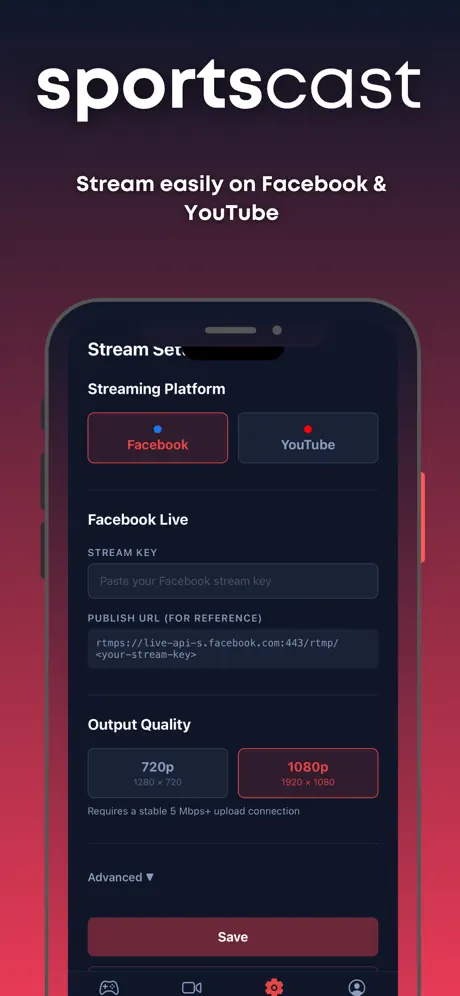
Paste your Facebook or YouTube stream key, or connect your Facebook Page, choose 720p or 1080p, and you're on air.
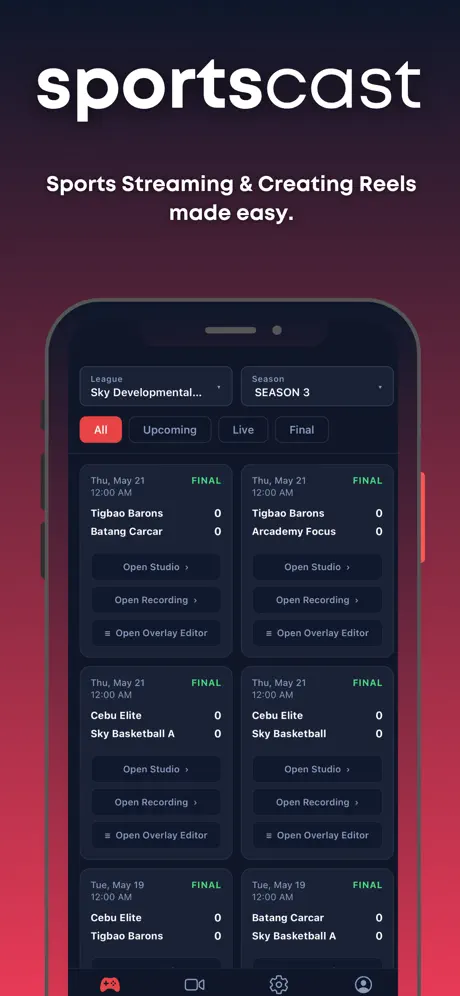
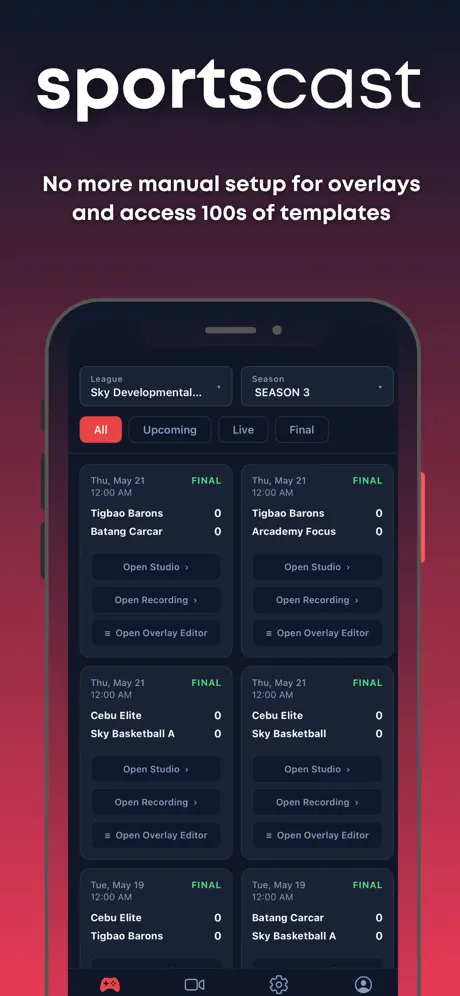
Pick your league, season and game. The overlay loads with both teams and follows the live score, with no manual overlay setup. Restyle it from ready-made templates in the Overlay Editor.
Clip the last 10, 20 or 30 seconds, slow it down to quarter speed and play it on air. Every game is recorded for highlights afterwards.
Stream every game of a season or club event back to back. The scoreboard moves to the next game on its own, with an "Up next" card in between.
Score pickup and open-play games right on the phone. The scoreboard on your stream changes as you tap.
At a Venue OS court, scan the QR on the wall to use the court's camera. Switch between it and your phone without dropping the stream.
Clip with or without the scoreboard. The clean version is ready to cut into reels and highlight packages.
Cut to sponsor images and videos from your own library between plays, then straight back to the game.
Pin your club or league logo to a corner of the stream and of every recording.
Built-in noise reduction and Bluetooth microphone support keep your voice clear over a loud gym.
The stream and the recording come from the same picture, so the file on your phone is exactly what viewers saw.
Open your Club OS events and their games, and check players in by QR before the first whistle.
Get SportsCast on your phone and sign in with your StatsCentral account, or create one free.
Choose a league game or club event, or start a pickup game. Teams and the scoreboard load for you.
Point your phone at the court and go live on Facebook or YouTube.
Replay big plays on air in slow motion, and keep the recording for highlights and reels.
Stream open play and club events from courtside. Score pickup games on the phone, check players in by QR, and run a whole event on one stream.
One person, one phone. Put your team's games on its Facebook page with a real scoreboard, and keep the replays for film sessions.
Put a phone on every court instead of hiring a crew. Scoreboards come straight from League OS, and one stream can carry a season's games back to back.
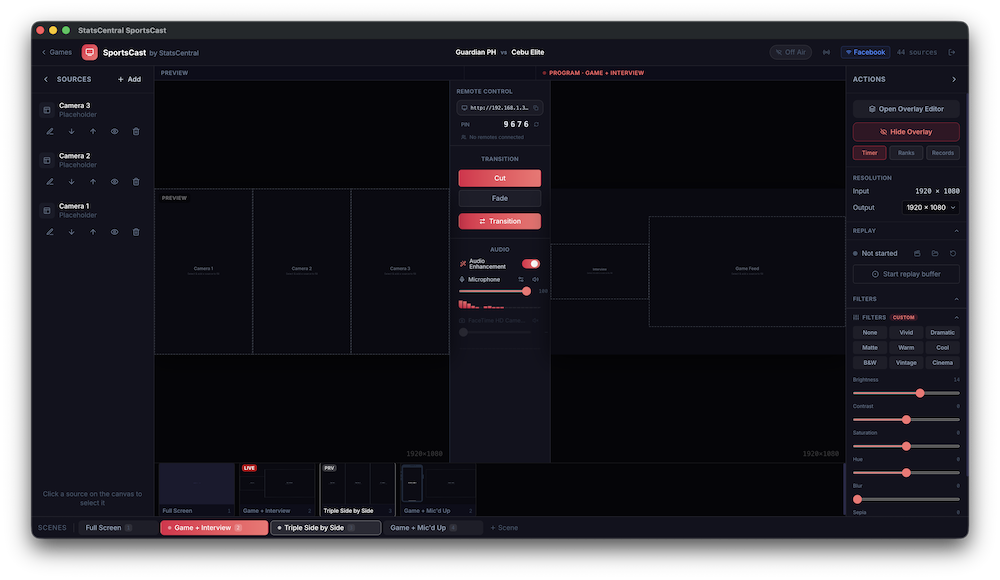
Need multi-camera switching and several destinations at once? The SportsCast desktop studio is built for you.
For schools, media teams and event producers running a multi-camera broadcast, the SportsCast desktop studio brings overlays, scoreboards, replay and multi-stream output into one production workspace.
Download SportsCast, pick a game and go live. No extra tools, no crew, no broadcast truck.
New to StatsCentral? Create a free account →
Running a multi-camera production? Book a demo of the desktop studio